
LC-SXG400 LC-SXG400L model multimedia projector has a compact and lightweight design, rich functions, and various useful functions such as zoom lens, ceiling and rear projection, vertical omnidirectional projection, various lens options, etc.
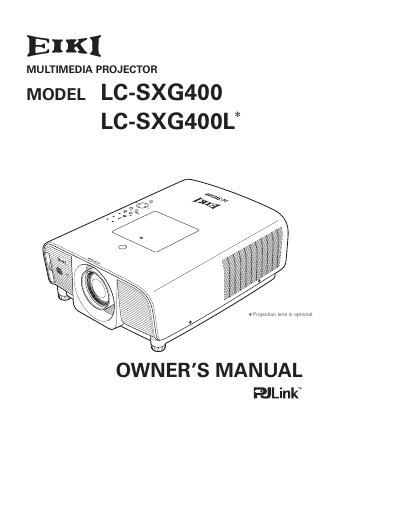
The EIKI LC-SXG400 and LC-SXG400L are compact multimedia projectors designed for easy installation and versatile use. Key features include lens shifting, ceiling and rear projection capabilities, and a multi-use remote control that functions as a wired or wireless option and a PC wireless mouse. The device supports up to UXGA resolution and offers various useful functions such as digital zoom, security locking via PIN code, and power management to reduce energy consumption and maintain lamp life. The menu system is available in 12 languages, and the projector can be customized with a logo function.
| Maximum Resolution | Up to UXGA resolution |
|---|---|
| Menu Languages | 12 languages |
Yes, the remote control can be used as a PC wireless mouse.
You can use the PIN code lock function to prevent unauthorized use.
You should unplug the projector from the power outlet.