
Philips 239CL2 monitor user manual, introduces the information on monitor's installation, operation, features, specifications, etc.
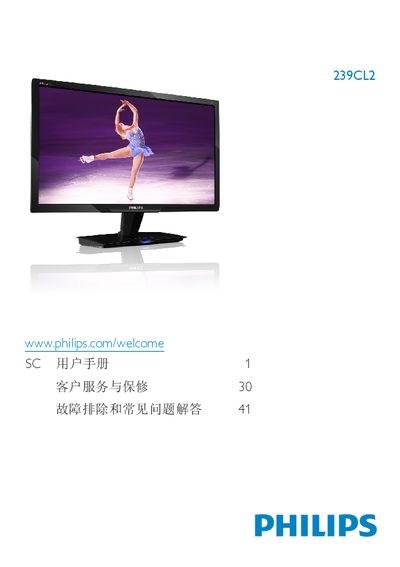
This manual covers safety precautions, installation steps, and basic operation of the Philips 239CL2 23‑inch LCD monitor. It explains how to set up the monitor, connect power and video cables, and use the on‑screen display (OSD) to adjust picture modes such as SmartImage.
The document also lists technical specifications, warranty information, and a detailed FAQ section that helps resolve common issues like unsupported video modes, cleaning the screen, and adjusting refresh rates. This manual is written in Chinese.
| Panel type | TFT‑LCD |
|---|---|
| Screen size | 23" (58.42 cm) |
| Resolution | 1920 × 1080 @ 60 Hz |
| Brightness | 250 cd/m² |
| Contrast ratio (typical) | 1000:1 |
| Response time (typical) | 2 ms |
| Color gamut | 16.7 million colors |
| Vertical refresh rate | 56 – 76 Hz |
| Power consumption (typical) | 23.88 W |
Set the PC to the recommended resolution of 1920 × 1080 @ 60 Hz, then reconnect the monitor and power it on.
The recommended refresh rate is 60 Hz, though you can try up to 75 Hz to check for interference.
Use a clean, slightly damp soft cloth for normal cleaning; for detailed cleaning use isopropyl alcohol, and avoid solvents such as ethanol or acetone.