
220S2/220S2plus monitor user manual, introduces the installation, operation, function introduction, technical parameters, warranty and other information of the monitor
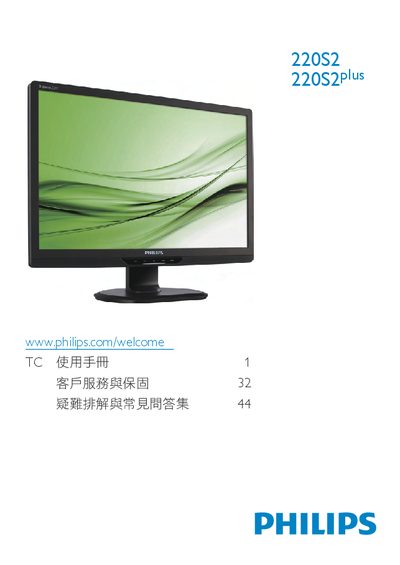
This manual covers essential safety measures, proper handling, and disposal of the Philips 220S2/220S2plus LCD monitor. It explains how to install the monitor, connect power and video cables, adjust the ergonomic stand, and use the on‑screen display (OSD) to select picture modes, brightness, contrast and color settings.
Technical specifications such as native resolution, power consumption, VESA mounting, tilt and height adjustment ranges are listed, followed by regulatory compliance information, warranty details, and a comprehensive FAQ section that addresses common issues like unsupported video modes and recommended refresh rates. This manual is written in Chinese.
| Native resolution | 1680x1050 @60 Hz |
|---|---|
| Typical power consumption (normal operation) | < 24 W |
| Power consumption (power‑saving mode) | < 0.8 W |
| VESA mounting interface | 100 mm × 100 mm |
| Tilt adjustment range | -65° to +65° |
| Height adjustment range (220S2plus) | -65 mm to +65 mm |
Set the computer to the recommended resolution of 1680 × 1050 @ 60 Hz, then reconnect the monitor and restart the computer.
The recommended refresh rate is 60 Hz; you may increase it up to 75 Hz if you experience interference.
Yes, the monitor can be wall‑mounted using its standard 100 mm × 100 mm VESA mounting holes.
Wipe the screen with a clean, dry soft cloth; for deeper cleaning use isopropyl alcohol, avoiding other solvents.