
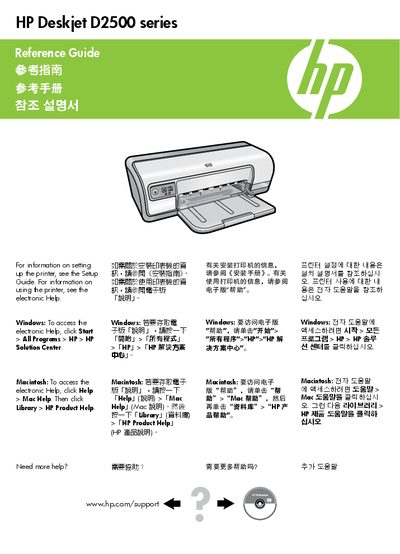
This document provides information on setting up and using the HP Deskjet D2500 series printer, as well as accessing additional help and support.
This reference guide provides troubleshooting information for the HP Deskjet D2500 series printer, including paper jams, power problems, paper feeding, plug-and-play setup, and print jobs stuck in the queue. It also lists recommended paper weights and includes a note about ink usage.
Minimum system requirements are provided in the Readme file, and the guide text is presented in English, Traditional Chinese, Simplified Chinese, and Korean.
| Letter paper weight | 65 to 90 g/m² (16 to 24 lb) |
|---|---|
| Legal paper weight | 70 to 90 g/m² (20 to 24 lb) |
| Envelope weight | 70 to 90 g/m² (20 to 24 lb) |
| Card weight | Up to 200 g/m² (110-lb index maximum) |
| Photo paper weight | Up to 280 g/m² (75-lb index maximum) |
Letter paper should be 65 to 90 g/m², Legal paper and envelopes 70 to 90 g/m², cards up to 200 g/m², and photo paper up to 280 g/m².
Check that the power cord is connected to an electrical outlet, firmly connected to the power supply or adapter, and that the power supply is firmly connected to the printer.
Remove paper from the tray, remove the rear access door and jam or remove it from the front after raising the cover, then reload paper, reconnect power, turn on the printer, and reprint.
Verify that the default printer is selected, remove duplicate printer icons, make sure printing is not paused, and restart the Print Spooler service if needed.