
This manual provides maintenance procedures for the scanner, including cleaning the imaging rails and paper sensor, opening the cover, cleaning the document feeder module, and cleaning the transport rollers.
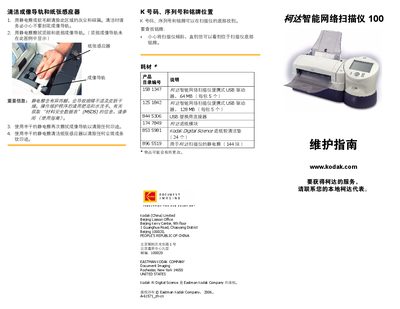
This service manual explains how to clean and maintain the Kodak Intelligence Net Scanner 100, including the imaging rail, paper sensor, and feed modules. It also lists part numbers for consumables and shows where to find the K number, serial number, and nameplate on the device.
The front‑panel section describes the indicator lights and error codes, and the manual gives step‑by‑step procedures for opening the cover, cleaning internal components, and replacing the paper feed module. This manual is written in Chinese.
Use an electrostatic brush or soft brush to remove dust, then wipe with a semi‑dry electrostatic cloth; repeat with a semi‑dry cloth to remove any marks.
A steady green light indicates the scanner is ready; a flashing red light indicates an error such as a paper jam.
Open the cover, press the plastic latch to release the module, pull it out, align the new module with the slot and push it in until the clips engage, then close the cover.