
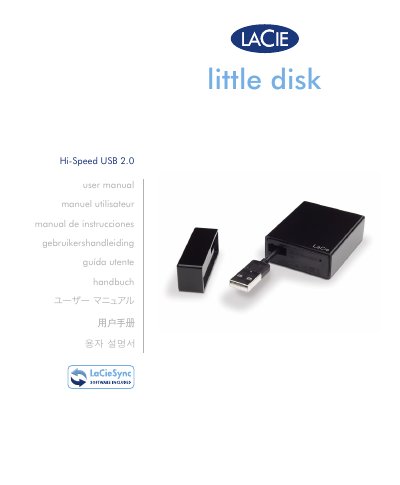
This manual explains how to connect the LaCie Little Disk external hard drive, install the pre‑loaded backup software, and format or partition the drive for Windows, Mac or Linux. It also lists the package contents, minimum system requirements and detailed USB 2.0 interface information.
Important safety and environmental guidelines are included, along with troubleshooting steps, customer‑support contacts and warranty terms to help you maintain reliable operation of the device. This manual is written in Chinese.
| Operating Humidity | 5‑80 % non‑condensing |
|---|---|
| USB Interface | USB 2.0 bus‑powered |
Insert the USB connector into an available USB 2.0 port on the computer, optionally using an extension cable.
Check that the drive is formatted, verify the system meets the minimum requirements, ensure the USB cable is properly connected and that the drive receives sufficient power.
Warranty details are provided in the “Warranty Information” section and require the serial number and proof of purchase.