
This is the basic reference manual for the Casio QV-5700 digital camera, introducing the names, functions and usage methods of the camera's various parts.
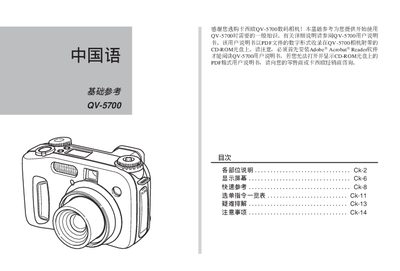
This guide describes the physical parts of the QV-5700, including the shutter button, viewfinder, lens, flash, and various selector knobs. It explains the purpose of each indicator light and how to operate the camera in different shooting modes such as auto, manual, aperture priority, and panorama.
It also covers menu navigation, image resolution options, storage card handling, USB and video output connections, and common troubleshooting steps like flash charging, focus errors, and power‑off issues. This manual is written in Chinese.
| Maximum image resolution | 2560 x 1920 pixels |
|---|---|
| DC power input | 6 V DC |
| Video output | VIDEO OUT interface |
A red light indicates that automatic focus has failed or that the flash is currently charging.
Rotate the exposure mode selector knob to choose between manual, aperture priority, shutter priority, program, and other modes.