
This document is a user manual for Casio products, introducing pre-use precautions and features of the products.
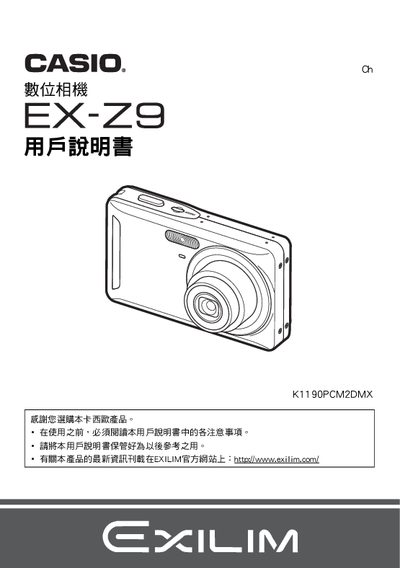
This manual explains how to unpack and set up the Casio EX‑Z9 digital camera, including installing the NP‑60 lithium‑ion battery, charging it with the supplied BC‑60L charger, and connecting the camera to a computer via USB. It also covers basic operation such as selecting shooting modes, adjusting ISO, white balance, and using features like Best Shot and PictBridge printing.
Additional sections describe advanced functions, language settings, date‑time configuration, and troubleshooting tips for common issues. Safety notices and warranty information are included at the end of the document. This manual is written in Japanese.