
This manual introduces the basic information of EX-S3 digital camera, including parts description, display screen, quick reference, operation methods, troubleshooting, etc
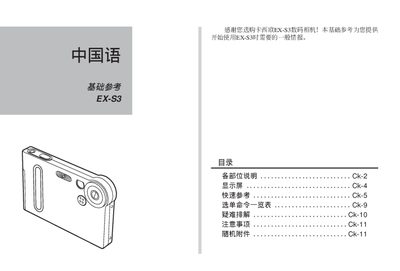
This manual explains how to set up and operate the Casio EX‑S3 digital camera, covering basic functions such as power on/off, shooting modes, image resolution options, and USB charging. It includes quick‑reference tables, detailed descriptions of camera parts, and step‑by‑step procedures for using the menu and language settings.
Safety precautions, troubleshooting advice, and specifications like supported image resolutions and power requirements are also provided to help users maintain the camera and avoid common issues. This manual is written in Chinese.
| Maximum image resolution | 2048 × 1336 pixels |
|---|---|
| Power input voltage | 5.3 V DC |
Press the [SET] button and select the desired language (e.g., English, Français, Deutsch) from the list.