
EX-Z30/EX-Z40 digital camera user manual. This manual introduces the camera's operation methods, precautions, maintenance methods, etc.
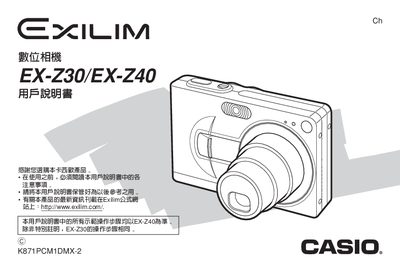
This manual covers everything needed to start using the EX‑Z30/EX‑Z40 digital camera, from unboxing and checking accessories to configuring language, date, and power settings. It explains how to charge the NP‑40 rechargeable battery, install the battery, and connect the camera to a PC via USB for image transfer and software installation.
Additional sections describe shooting modes, playback functions, memory management, USB and AC‑adapter specifications, and troubleshooting tips. The final pages list the camera’s physical dimensions, weight, power consumption, and battery specifications.
| Dimensions (W×H×D) | 87 mm × 37 mm × 23.1 mm |
|---|---|
| Weight (without battery) | ≈121 g |
| Battery type | NP‑40 ion rechargeable battery |
| Battery voltage | 3.7 V |
| Battery capacity | 1230 mAh |
| Power consumption (battery) | ≈2.6 W (3.7 V) |
| AC adapter input voltage | 100 V – 240 V AC, 50/60 Hz |
| AC adapter input current | ≈83 mA |
| Adapter output voltage | 3.3 V DC |
| Adapter output current | 630 mA |
The adapter accepts 100‑240 V AC at 50/60 Hz (≈83 mA) and outputs 3.3 V DC at 630 mA.