
This document is an instruction manual for Manual 4736 1 MA0606-CkA. The watch display has two options: white background with black text and black background with white text. The watch has various features including stopwatch, world time, countdown timer, alarm, and pointer setting. The manual provides detailed instructions on how to operate each feature.
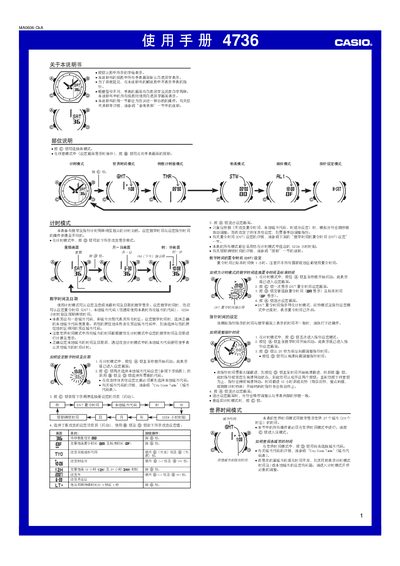
This Casio user manual explains how to operate the 4736 1MA0606-CkA watch, including button functions and switching between modes. It covers digital and analog timekeeping, world time, countdown timer, stopwatch, alarms, hourly time signal, and backlight.
The manual describes setting digital time and date, daylight saving time, local city code, 12/24-hour format, and illumination duration. It also explains pointer time adjustment, turning alarms on and off, and countdown timer progress beeps. This manual is written in Chinese.
| Stopwatch display limit | 59 minutes 59.99 seconds |
|---|---|
| Countdown timer setting range | 1 to 60 minutes |
| World time cities | 27 cities (29 time zones) |
| Daily alarms | 5 |
| Alarm duration | about 20 seconds |
| Illumination duration | 3 seconds or 1 second |
| Time format | 12/24-hour |
In Timekeeping Mode, hold A until the seconds flash, then use C to select items and B/D to change values.
It displays the time for 27 cities in 29 time zones.
The alarm sounds for about 20 seconds when the set time is reached.
The countdown timer can be set from 1 to 60 minutes.