
This quick start guide describes how to connect the speakers, connect the power cord, set the clock, play CD, play USB device and listen to radio.
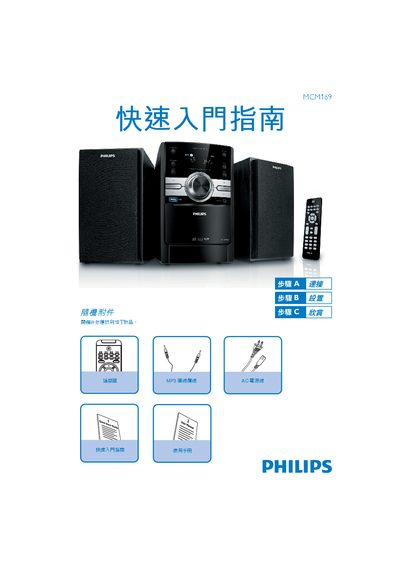
This manual introduces the Philips MCM169 device and explains how to set it up and use its basic functions. It includes quick-start instructions and safety notes for proper operation.
The guide details how to play media from USB storage devices, how to select the USB source, and how to start and stop playback using the device's controls. This manual is written in Chinese.
Insert the USB device, then press the SOURCE key (or the USB key on the remote) to select the USB source.
Press the middle button to stop playback.