
This document describes the features and characteristics of the portable DVD player, including built-in nickel-hydrogen battery power supply, charging method, operation method, and connection with TV.
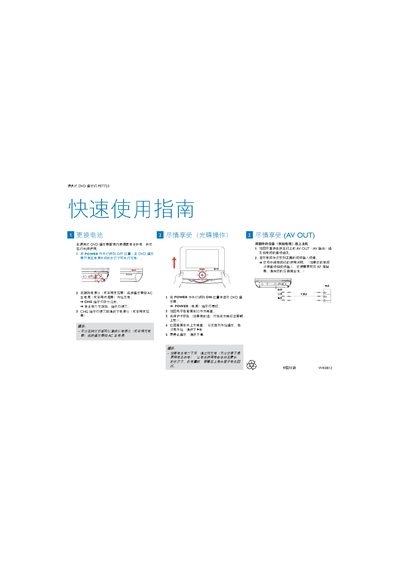
This guide explains how to charge the PET723's built‑in nickel battery using the supplied AC power cable or a car cigarette‑lighter adapter. Connect the charger, watch the CHG indicator turn red, and wait until it turns off before unplugging.
After charging, turn the POWER switch to ON, open the disc tray, remove any protective card, place the DVD label side up, close the tray, and press PLAY to start playback. For TV connection, use the AV OUT jack to link audio/video to the television and select the appropriate input channel. This manual is written in Chinese.
| Battery type | Nickel |
|---|---|
| Power input options | AC mains or car cigarette‑lighter adapter |