
This document describes the features and characteristics of the Philips multimedia speakers SPA7210, including installation instructions, usage methods, and precautions.
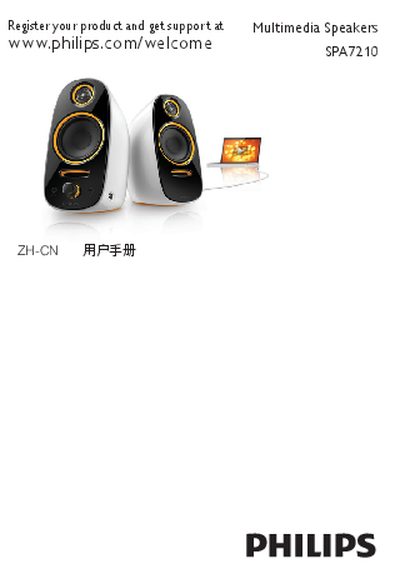
This manual explains how to install the SPA7210 speaker, including connecting the audio cable to a computer, adjusting the speaker cable length, and attaching the power adapter to the 12 V DC and AC power sockets. It also covers basic operation such as turning the speaker on with the volume knob, adjusting volume via the knob or computer software, and using the headphone, AUX IN, and USB ports.
Safety precautions are highlighted, advising users not to expose the speaker to liquids, keep fire sources away, and fully disconnect power by unplugging the plug. The USB port can charge 5 V devices, and the headphone jack output voltage is limited to 150 mV. End‑of‑life recycling information is also provided. This manual is written in Chinese.
| Headphone jack maximum output voltage | 150 mV |
|---|---|
| USB charging voltage | 5 V |
| Power input voltage | 12 V DC |
| Audio inputs | MP3 (L/R), AUX IN |
Connect the audio cable to the computer’s audio output jack as shown in the installation steps.
Exit the multimedia application and turn off the speaker using the volume knob.
Yes, the USB port can charge devices that require a 5 V rated voltage.
Do not expose the product to liquids, keep fire sources away, and fully disconnect the power plug when not in use.