
This Quick Start Guide explains how to connect your MCD137 DVD player to a TV and begin playing DVDs.
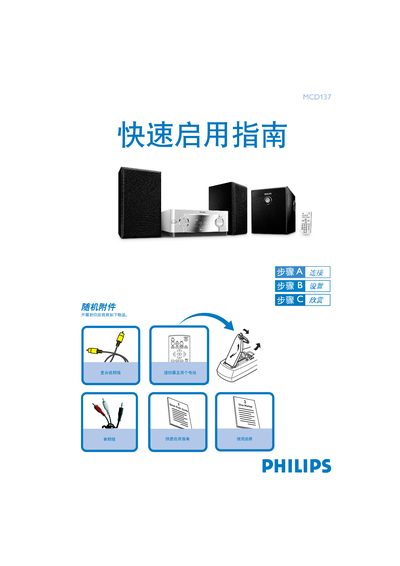
This guide lists the items that come with the MCD137 DVD player and shows how to connect the composite video cable, audio cable, speaker cables, and power cords. It also notes the separate power switch on the sub‑woofer that must be turned on after all connections are made.
The guide explains how to power on the player, select the correct TV input, navigate the DVD menu, and start playback by opening the disc door, inserting a disc, and closing the door. Basic remote‑control functions for play, stop, and other features are also described. This manual is written in Chinese.
| Audio output | 2.1 channel |
|---|
Press the STANDBY‑ON 2 button on the remote to power on the DVD player.
Press the OPEN‑CLOSE button on the remote, insert a disc with the printed side up, close the door, and playback starts automatically.