
Quick start guide for the Thermo Scientific MYECL Imager, covering setup, imaging modes, and file management.
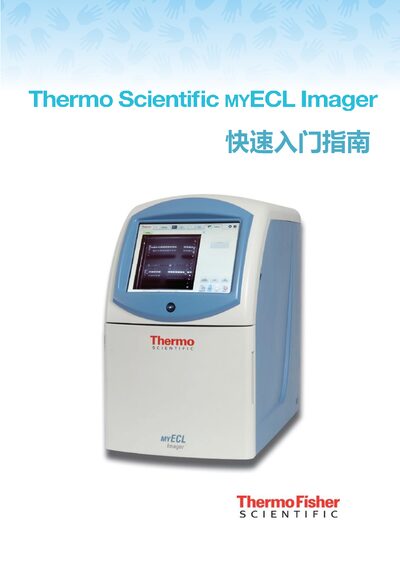
This guide walks users through the initial setup of the MYECL Imager, including power connection, touchscreen activation, and date‑time configuration. It then describes the three imaging modes—Chemiluminescence (Chemi), UV, and Visible Light (VIS)—and how to adjust camera settings for each mode.
The document also explains how to view image information, manage files, export images to external storage, print, and delete images from the gallery. Safety precautions for handling UV light and proper placement of the instrument are included throughout. This manual is written in Chinese.
| Imaging modes | Chemi, UV, VIS |
|---|---|
| USB port location | Rear lower position |
Connect the power cable, press the rear lower power button, then press the soft power button on the touchscreen to begin.
Select the “UV” tab on the touchscreen and enable the UV button; the UV lamp will activate when the door is closed.