
Thermo Scientific Evolution 201 & 220 UV‑Vis spectrophotometer manual with operation, software, accessories and specifications.
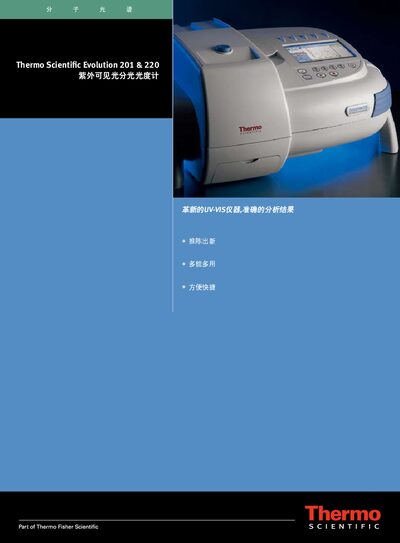
This manual introduces the Thermo Scientific Evolution 201 & 220 UV‑Vis spectrophotometer, its innovative features, dual‑beam optical design, and the INSIGHT software that controls the instrument locally or via a computer. Detailed descriptions cover sample handling, temperature control, calibration accessories, and data analysis tools.
The document also provides technical specifications, connection options (USB, trigger signals), and guidance on using accessories such as the ISA‑220 integrating sphere, Peltier temperature modules, and mercury‑lamp calibration kits. Safety and compliance information for FDA, GxP, and ISO standards are included. This manual is written in Chinese.
| Optical Design | Dual‑beam (Double‑Beam) |
|---|---|
| Wavelength Range | 190 nm – 1100 nm |
| Resolution | 1.0 nm (adjustable 1 nm or 2 nm) |
| Scanning Speed | up to 6000 nm/min |
| Light Source | Flash xenon lamp (3‑year warranty) |
| Temperature Control Range | 0 °C – 100 °C (Peltier modules) |
| Display | 17.8 cm diagonal LCD touchscreen, 800×480 |
| Power | 100‑240 V, 50‑60 Hz, auto‑select, max 150 W |
The spectrophotometer has a USB interface that allows connection to a PC for instrument control, data analysis, and backup of methods and results.
Temperature control modules can maintain sample temperatures from 0 °C up to 100 °C, with optional Peltier single‑pool or 8‑pool systems.
A mercury‑lamp calibration accessory is provided for full‑range wavelength accuracy and reproducibility.
Yes, the device includes a built‑in touchscreen and local controls, allowing full operation in standalone mode.