
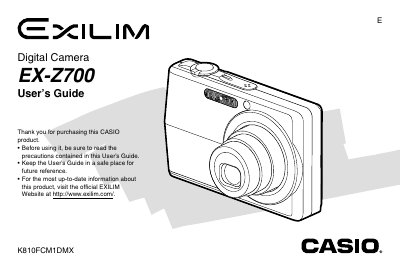
Casio EX-Z700 Digital Camera User's Guide


Casio EX-Z700 Digital Camera User's Guide - cover page
Brand
Casio
Category
Digital cameras
Document type
User Manual
Language
English
Pages
247
File format
PDF
File size
6.3 MB
Published
23 September, 2011
Updated
17 October, 2026
Model
EX-Z700
MD5 checksum
C1084098872D124AD0483F21F09C303C

About this manual

This Casio EX-Z700 User's Guide covers unpacking, battery loading, power settings, and basic operation of the EX-Z700 digital camera. It also describes recording images, using zoom and flash, playback, memory cards, printing, and viewing images on a computer.

What's inside

  • Unpacking
  • Features
  • Loading the Rechargeable Battery
  • Turning the Camera On and Off
  • Using the On-screen Menus
  • Recording an Image
  • Using Zoom
  • Using the Flash
  • Playback
  • Specifications

Specifications

Effective pixels7.2 million
LCD monitor2.7-inch TFT color
Built-in memory8.3MB
Optical/digital zoom3X optical, 4X digital

Frequently asked questions

How do I turn on the camera?

Press [REC] or [PLAY] to turn on the camera and enter the mode you want to use.

What accessories come with the camera?

The package includes the camera, NP-40 battery, CA-29 USB cradle, strap, CD-ROM, USB cable, AV cable, and basic reference.

How many effective pixels does the EX-Z700 have?

It has 7.2 million effective pixels and 7.41 million total pixels.

Download PDF (6.3 MB)

More Casio Manuals


View all Casio manuals →