
K860PCM1DMX is a Casio digital camera with features such as high-precision LCD panel, hot shoe mount, and test photo shooting function.
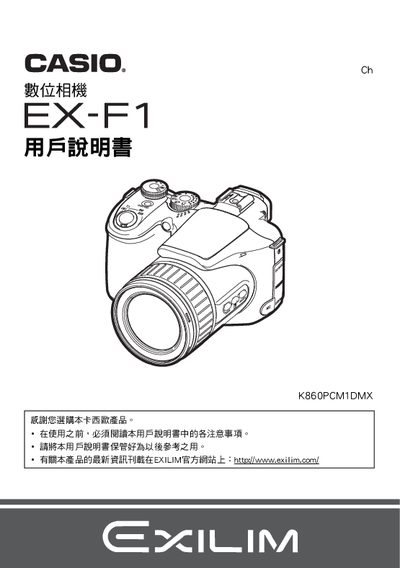
This manual begins with safety notices and a checklist of items included in the package, such as the camera body, NP‑100 rechargeable battery, BC‑100L charger, power cord, USB and AV cables, and a CD‑ROM. It explains how to inspect the package, install the battery, and charge it before first use.
Later sections cover the camera’s basic and advanced functions, including shutter speed, ISO sensitivity, white‑balance, focus modes, continuous shooting, playback, and connecting the camera to a computer or PictBridge‑compatible printer. Detailed specifications for the battery and charger are provided at the end of the document. This manual is written in Chinese.
| Battery type | Lithium‑ion rechargeable (NP‑100) |
|---|---|
| Battery capacity | 1950 mAh |
| Battery voltage | 7.4 V |
| Battery weight | ≈85 g |
| Charger input voltage | 100‑240 V AC |
| Charger output | 8.4 V DC, 560 mA |
| Charger dimensions | 94 × 26 × 80 mm |
| Charger weight | ≈112 g |
Insert the NP‑100 battery into the camera, connect the BC‑100L charger to an AC outlet, and charge for about 4 hours 30 minutes.
Connect the camera to a PC via the USB cable or use the PictBridge function to print directly to a compatible printer.
Use the control panel to select the desired ISO setting.