
This is a user manual of a Casio digital camera, which details the camera's various functions and usage methods.
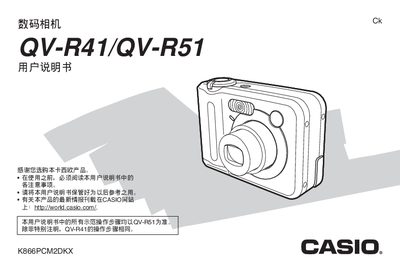
This manual covers everything needed to operate the Casio QV‑R41 and QV‑R51 digital cameras, including setup, shooting modes, playback functions, file management, and connectivity options. It also contains safety information, battery handling, and troubleshooting guidance.
Detailed sections explain how to configure language and clock settings, use special shooting features such as BESTSHOT, Coupling Shot, and Pre‑shot, and connect the camera to computers via USB for direct printing or file transfer. Appendices provide specifications, battery specifications, and regulatory notices.
| Dimensions (W×H×D) | 88.3 mm × 60.4 mm × 33.4 mm |
|---|---|
| Weight (without battery and accessories) | ≈168 g |
| Battery nominal voltage | 1.2 V |
| Battery nominal capacity | 2100 mAh |
| Power input (AC) | 100‑240 V AC, 0.08 A, 50/60 Hz |
| Battery charging output | 1.2 V DC, 550 mA |
Yes, the camera can be powered from an AC source using the supplied AC power cord.
The camera weighs about 168 g without the battery and accessories.