
The Dell Vostro 3578 Quick Start Guide introduces the features and functions of the product.
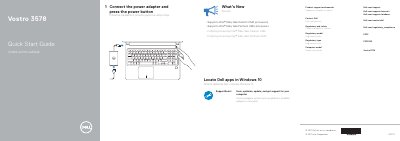
This two-page quick start guide for the Dell Vostro 3578 provides basic startup and feature information in English and Slovenian. It shows how to connect the power adapter and press the power button, lists 22 labeled features, and identifies the regulatory model P63F.
It also notes support for Intel Kaby Lake Celeron and Pentium UMA processors, points to Dell support and manuals websites, and mentions locating Dell apps in Windows 10 and SupportAssist.
| Computer model | Vostro 3578 |
|---|---|
| Regulatory model | P63F |
| Processor support | Intel Kaby Lake Celeron UMA and Pentium UMA processors |
Connect the power adapter and press the power button.
Use Dell.com/support, Dell.com/support/manuals, and Dell.com/support/windows.
The regulatory model is P63F.
It mentions support for Intel Kaby Lake Celeron UMA and Pentium UMA processors.