
The Dell computer quick start guide introduces the various parts and interfaces of the computer.
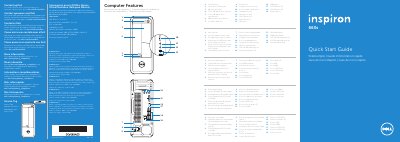
This document is a multilingual Quick Start Guide for the Dell Inspiron 660s computer. It identifies key hardware features on the front of the device, such as the power button, optical drive, and various ports including USB 2.0, USB 3.0, HDMI, and VGA. The guide also lists regulatory model numbers and contact information for Dell support.
| Regulatory Model Number | D06S |
|---|---|
| Type | D06S001 |
| Input Voltage | 100–127 V CA/200–240 V CA |
| Input Frequency | 50 Hz/60 Hz |
| Current | 6 A/3 A |
You can contact Dell for sales, technical support, or customer service issues by going to dell.com/ContactDell.
The regulatory model number is D06S.