
The Dell laptop quick start guide provides information on how to connect the power adapter, turn on the power, find Dell applications, check and update your computer, register your computer, and back up and restore your computer.
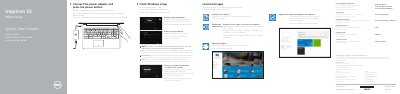
This Dell quick start guide explains how to connect the power adapter, press the power button, and complete Windows setup on the Inspiron 15-3552 laptop.
It also lists the computer's features and ports, describes shortcut keys, and provides Dell product support and regulatory details.
| Input voltage | 100 V AC–240 V AC |
|---|---|
| Frequency | 50 Hz–60 Hz |
| Output voltage | 19.50 V DC |
| Computer model | Inspiron 15-3552 |
| USB 2.0 ports | 2 |
Connect the power adapter and press the power button.
It is in the battery bay.
It backs up, recovers, repairs, or restores your computer.