
The guide describes how to set up the keyboard and mouse, connect the network cable (optional), connect the power cable and turn on your computer, finish Windows setup, enable security and updates, sign in to your Microsoft account or create a local account, connect to your network, and explore resources.
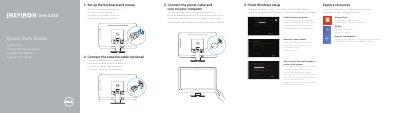
The Dell Inspiron One 2330 quick start guide gives initial setup steps: setting up the keyboard and mouse, optionally connecting a network cable, connecting the power cable and turning on the computer, finishing Windows setup, enabling security and updates, signing in to a Microsoft account or creating a local account, connecting to a network, exploring resources, and registering the computer. It also includes product support and manual links, contact information, regulatory and safety links, and a numbered list of features and ports.
The guide is multilingual. The feature list covers the camera, optical drive, brightness controls, power button, media-card reader, USB ports, audio ports, network port, power port, HDMI-in port, composite ports, and security-cable slot. It identifies the computer model as Inspiron One 2330 and the regulatory model as W05C.
| Computer model | Inspiron One 2330 |
|---|---|
| Regulatory model | W05C |
| Power input voltage | 100 V AC–240 V AC |
| Frequency | 50 Hz–60 Hz |
| Input current | 2.90 A |
| Country of origin | China |
| USB 3.0 ports | 2 |
| USB 2.0 ports | 2 |
It describes the Dell Inspiron One 2330; the guide lists the computer model as Inspiron One 2330.
No. The guide labels the network cable connection as optional.
You can sign in to your Microsoft account or create a local account.