
The Dell Latitude 5495 Quick Start Guide introduces the features and specifications of the product.
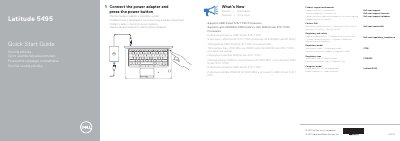
The Dell Latitude 5495 Quick Start Guide provides setup instructions and a labeled feature overview for the computer. It shows how to connect the power adapter and press the power button, and lists product support, contact, and regulatory resources.
The guide also lists what’s new, including support for AMD Ryzen 3/5/7 PRO processors and 2400MHz DDR4 memory, and identifies ports, optional components, and status lights.
| Processor support | AMD Ryzen 3/5/7 PRO Processors |
|---|---|
| Memory support | 2400MHz DDR4 memory with AMD Ryzen 3/5/7 PRO Processors |
| USB port | USB 3.1 Gen 1 |
| Display output | DisplayPort over USB Type-C |
It supports AMD Ryzen 3/5/7 PRO processors.
It supports up to 2400MHz DDR4 memory with AMD Ryzen 3/5/7 PRO processors.
Connect the power adapter and press the power button.
Dell provides product support and manuals at Dell.com/support/manuals.