
Quick Start Guide for Dell XPS 13 laptop.
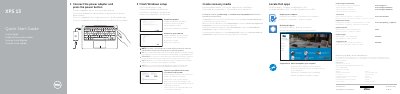
This two-page Dell XPS 13 quick start guide provides multilingual setup instructions. It covers connecting the power adapter, finishing Windows setup, enabling Dell updates, connecting to a network, signing in to a Microsoft account, locating Dell apps, and creating recovery media.
The guide also lists computer features and shortcut keys, gives product support links, and includes regulatory and safety information plus NOM details for the P54G regulatory model and XPS 9343 computer model.
| Regulatory model | P54G |
|---|---|
| Regulatory type | P54G001 |
| Computer model | XPS 9343 |
| Power voltage | 100 V AC–240 V AC |
| Power frequency | 50 Hz–60 Hz |
| Input current | 1.30 A |
| Output voltage | 19.50 V DC |
| Output current | 2.31 A |
| Country of origin | Made in China |
The computer model is XPS 9343.
In Windows search, type Recovery, click Create a recovery media, and follow the instructions on the screen.
Enter the password for the wireless network access when prompted.
Dell provides product support at Dell.com/support and manuals at Dell.com/support/manuals.