
Dell Inspiron 14 7000 Series Quick Start Guide

Inspiron 14 7000 Series Notebook Quick Start Guide.
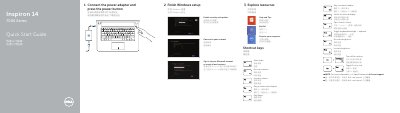

Dell Inspiron 14 7000 Series Quick Start Guide - cover page
Brand
DELL
Category
Laptops
Document type
Quick Start Guide
Language
English
Pages
2
File format
PDF
File size
233 KB
Published
26 November, 2023
Updated
26 November, 2023
MD5 checksum
38A2D5C4694440D6D4F421EA429E17A1

About this manual

This Dell Quick Start Guide helps users set up the Inspiron 14 7000 Series laptop, identified in the document as computer model Inspiron 7447. It covers connecting the power adapter, finishing Windows setup, signing in to a Microsoft account, connecting to a network, and registering the computer.

The guide lists shortcut keys and features such as USB ports, HDMI, and media-card reader. It also provides support links at dell.com/support and identifies the regulatory model as P55G and regulatory type as P55G001.

What's inside

  • Finish Windows setup
  • Explore resources
  • Shortcut keys
  • Connect the power adapter and press the power button
  • Help and Tips
  • Register your computer
  • Features
  • Product support and manuals
  • Contact Dell
  • Regulatory and safety

Specifications

Regulatory modelP55G
Regulatory typeP55G001
Computer modelInspiron 7447

Frequently asked questions

What is the computer model?

The computer model is Inspiron 7447.

What is the regulatory model?

The regulatory model is P55G.

What is the first setup step?

Connect the power adapter and press the power button.

Download PDF (233 KB)

More DELL Manuals


View all DELL manuals →