
User manual for Dell computers.
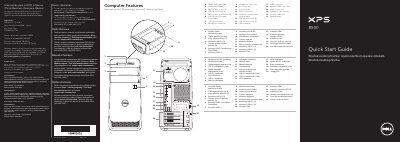
This is the multilingual quick start guide for the Dell XPS 8500 desktop computer (regulatory model D03M, type D03M005). It shows the front and back panel features of the computer, from the media-card reader and optical-drive covers to the USB, audio, video and expansion-card connectors.
The guide then walks through initial setup: connecting the keyboard and mouse, the optional network cable, the display, and the power cable, followed by Windows setup. It also explains how to locate and record the service tag and Windows password, and includes Mexican NOM importer and input-power information.
| Computer model | XPS 8500 |
|---|---|
| Regulatory model | D03M |
| Type | D03M005 |
| Input voltage | 100–240 VAC |
| Input frequency | 50–60 Hz |
| Rated input current | 8.0 A/4.0 A |
Follow the Windows setup instructions to finish setting up the computer.
No. The guide notes not to use the @ symbol in your password.
Connect the display to the connector on the discrete graphics card rather than to the computer's on-board connector.
Locate the service tag and record the service tag and Windows password in the spaces provided in the guide.