
Dell computer user manual summary: The model of Dell computer is D03M, the input voltage is 100-240 VAC, the input frequency is 50-60 Hz, and the rated input current is 8.0 A/4.0 A.
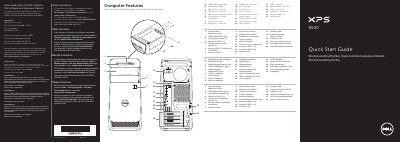
This Dell quick start guide provides setup and connection instructions for the XPS 8500 computer, including regulatory model D03M information for Mexico.
It describes front-panel features such as USB connectors, media-card reader, optical drives, and audio jacks, and explains how to connect the keyboard, mouse, network cable, display, and power cable.
| Regulatory model | D03M |
|---|---|
| Type | D03M005 |
| Computer model | XPS 8500 |
| Input voltage | 100–240 VAC |
| Input frequency | 50–60 Hz |
The computer model is XPS 8500.
The regulatory model is D03M.
Click Start → All Programs → Dell Help Documentation or go to support.dell.com/manuals.