
Dell Premier is your secure and personalized purchasing and support website that allows you to purchase easily, efficiently and economically. This guide will show you how to get the most out of this personalized tool.
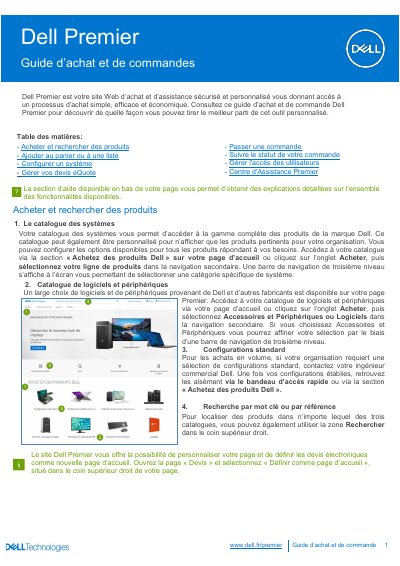
This French-language Dell Premier guide explains how to use the personalized Dell Premier purchasing website. It describes searching the Dell catalog and the software and peripherals catalog, adding items to the cart, comparing products, and configuring systems.
The guide also covers saving and managing eQuotes, placing an order, and creating an Express payment profile to speed up checkout. It walks through order contact, billing and shipping details, payment method selection, trade-compliance information, and final order confirmation. This manual is written in French.
Select the checkbox for the products of interest, choose “Ajouter a la comparaison,” then click “Comparer les produits” to view specification differences.
Yes. Display the cart and click “Enregistrer un devis électronique”; complete the required fields and, if needed, send it to your purchasing manager or another recipient.
After adding items to the cart or retrieving an eQuote, click “Passer commande” and follow the checkout steps; on the summary screen, click “Commander et confirmer le paiement” to send the order to Dell.