
Dell OptiPlex 170L Desktop User's Guide

The Dell™ OptiPlex™ 170L User's Guide provides information about the computer, including specifications, cleaning instructions, advanced features, security, and troubleshooting.
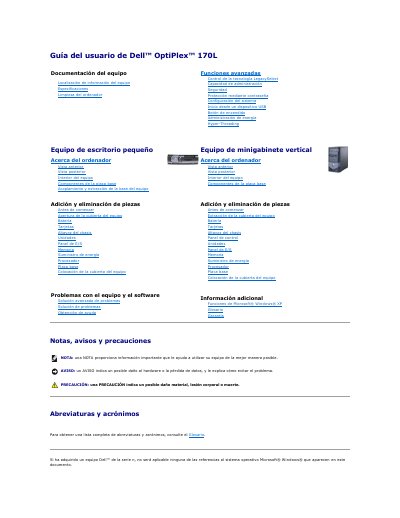

Dell OptiPlex 170L Desktop User's Guide - cover page
Brand
DELL
Category
Desktops
Document type
User Manual
Language
Spanish
Pages
148
File format
PDF
File size
3.4 MB
Published
26 November, 2023
Updated
26 November, 2023
MD5 checksum
63CE90E32F2497182ED2B3593CC74C05

About this manual

The Dell OptiPlex 170L User's Guide provides detailed instructions for the setup, maintenance, and troubleshooting of the desktop computer. It covers both small desktop and vertical mini-tower chassis configurations.

The document includes guidance on adding and removing internal components such as memory, processors, and power supplies, as well as instructions for using the Dell Diagnostics tool to identify and resolve hardware issues. This manual is written in Spanish.

What's inside

  • Especificaciones
  • Limpieza del ordenador
  • Funciones avanzadas
  • Seguridad
  • Configuración del sistema
  • Administración de energía
  • Equipo de escritorio pequeño
  • Equipo de minigabinete vertical
  • Solución avanzada de problemas
  • Diagnósticos Dell

Frequently asked questions

What should I do if I have a problem with the computer before contacting Dell for technical assistance?

Run the checks in the troubleshooting section and run the Dell Diagnostics.

What does Express Test do?

It performs a quick test of devices.

If the diagnostic utility partition is not found, where should I run the Dell Diagnostics from?

Run them from the optional Drivers and Utilities CD.

What should I provide to Dell technical support when I contact them?

The Service Tag number.

Download PDF (3.4 MB)

More DELL Manuals


View all DELL manuals →