
The Dell S5840cdn Laser Printer User Guide describes the features and specifications of the printer.
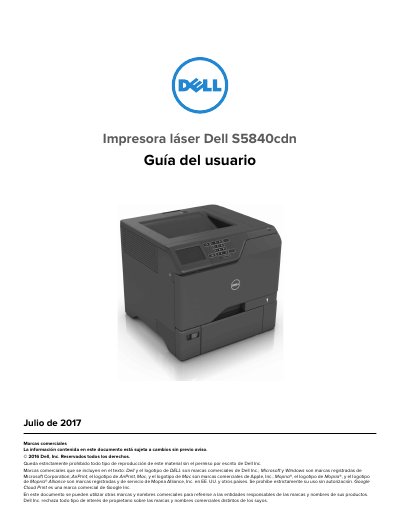
This document serves as the user guide for the Dell S5840cdn laser printer, released in July 2017. It provides comprehensive instructions on safety precautions, including electrical hazards and proper lifting procedures, as well as general information about the printer's features and specifications. The guide details how to select a suitable location, configure settings, and connect the device to a network or computer. This manual is written in Spanish.
The printer weighs more than 18 kg (40 lb).
Two or more trained persons are required to lift it safely.
Using controls, adjustments, or procedures other than those specified in the User Guide may result in hazardous radiation exposure.
No, the lithium battery of this product must not be replaced.