
The Dell B2360d-dn Laser Printer User's Guide introduces the features and functions of the printer.
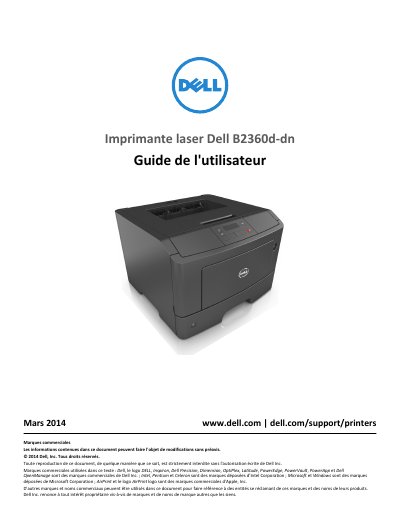
This Dell B2360d-dn laser printer user guide covers safety instructions, printer setup, control panel use, network configuration, and software setup. It also describes loading paper and specialty media, printing documents, printer menus, and securing the printer.
The guide provides maintenance and management procedures, including cleaning, replacing supplies, moving the printer, clearing jams, troubleshooting printing problems, and contacting technical support. It also includes an appendix and an index. This manual is written in French.
| Printing technology | Laser |
|---|---|
| Printing process | Thermal printing process |
| Lithium battery | Not intended to be replaced |
Turn off the printer, disconnect the power cable, unplug all cords and cables, and remove an optional tray if one is installed before moving it.
No. The manual states that the lithium battery is not intended to be replaced.
The User's Guide and Quick Reference Guide are available on the Software and Documentation CD, and additional information is available at www.dell.com/support/manuals.
Disconnect the power cable from the outlet and disconnect all cables from the printer before cleaning.