
The Dell B2360d-dn Laser Printer User's Guide provides information on how to use and maintain the printer.
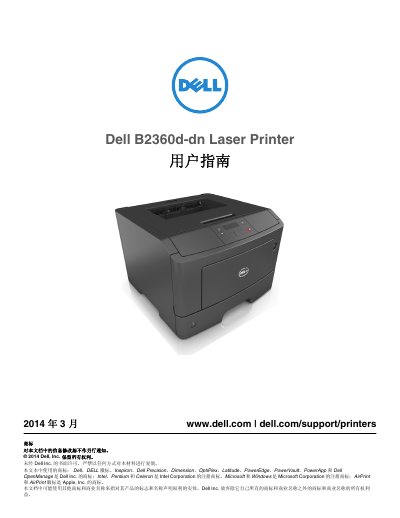
This user guide for the Dell B2360d-dn Laser Printer provides safety information and instructions for setting up and operating the printer. It covers choosing a location, configuring the printer, using the control panel, and connecting cables.
The manual also explains loading paper and special media, printing documents, understanding printer menus, saving paper and toner, maintaining the printer, clearing paper jams, and troubleshooting printing problems. This manual is written in Chinese.
| Environment temperature | 16 to 32°C (60 to 90°F) |
|---|---|
| Storage temperature | -20°C to 40°C (-4°F to 104°F) |
| Standard input tray capacity | 250 pages |
| Optional input tray capacity | 550 pages |
| Multipurpose feeder capacity | 50 pages |
The factory default setting is 30 minutes.
They appear on the label on the printer.
The standard input tray holds 250 pages.