
The Dell S5840cdn Laser Printer User Guide introduces the features, specifications and使用方法 of the printer.
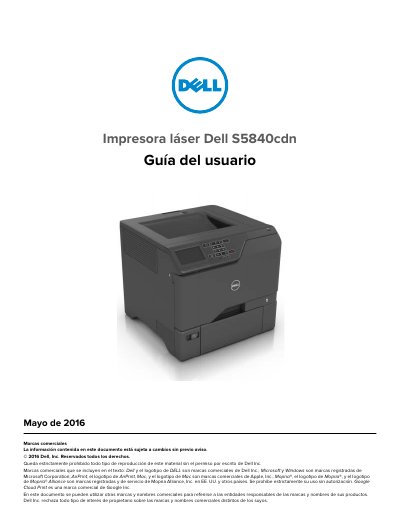
This is the Spanish-language user guide for the Dell S5840cdn laser printer, dated May 2016. It covers safety precautions, printer information and setup, paper loading, printing from computers, mobile devices, and flash drives, security, maintenance, networking, jam clearing, troubleshooting, and updating hardware, software, and firmware.
The guide also includes instructions for replacing supplies and parts, moving the printer, saving energy and paper, recycling, and contacting technical support. It notes that the printer weighs more than 18 kg (40 lb) and requires two or more trained people to lift it safely. This manual is written in Spanish.
| Weight | More than 18 kg (40 lb) |
|---|
The printer weighs more than 18 kg (40 lb), so two or more trained people are required to lift it safely.
No. The guide says not to use the product with extension cords, multi-outlet power strips, or uninterruptible power supplies.
No. The lithium battery in this product must not be replaced.
Disconnect the power cord from the electrical outlet and disconnect all cables from the printer before cleaning.