
The Dell Latitude 14 7000 Series Notebook Quick Start Guide.
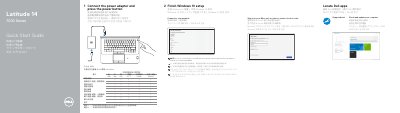
This is a quick start guide for the Dell Latitude 14-7470/E7470 notebook, identified by computer model Latitude 14-7470/E7470 and regulatory model P61G. It gives setup steps for connecting the power adapter, pressing the power button, finishing Windows 10 setup, connecting to a network, and signing in to a Microsoft account or creating a local account.
The guide also covers locating Dell apps such as SupportAssist, lists the notebook features and connectors, and provides product support, contact, regulatory, safety, and Taiwan RoHS information.
| Computer model | Latitude 14-7470/E7470 |
|---|---|
| Regulatory model | P61G |
| Rated voltage | 100 - 240 V AC |
| Rated frequency | 50/60 Hz |
| Rated input current | 1.7 A (65 W) / 2.5 A (90 W) |
Connect the power adapter and press the power button.
When prompted, enter the password for the wireless network access.
Dell provides support at Dell.com/support and manuals at Dell.com/support/manuals.
The regulatory model is P61G.