
Latitude 3189 Quick Start Guide
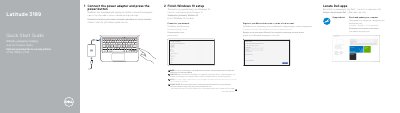
This guide provides step-by-step instructions for setting up the Dell Latitude 3189, including connecting the power adapter, locating Dell apps, updating the system, completing Windows 10 setup, connecting to a network, and signing in with a Microsoft account. It also includes a detailed diagram of the device's features such as cameras, microphones, ports, and buttons.
The document further lists product support resources, contact information, regulatory compliance details (regulatory model P26T, regulatory type P26T001), and the computer model name. It is printed in multiple languages including English, Greek, Portuguese, Russian, and Hebrew.
Connect the power adapter and press the power button.
Locate Dell apps on the computer after initial setup.