
A quick start guide for Dell laptop, introduces the usage and precautions of the laptop.
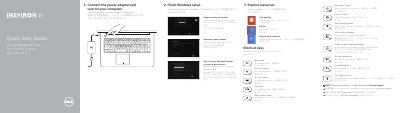
This two-page Dell quick start guide for the Inspiron 7737 laptop shows how to connect the power adapter, turn on the computer, finish Windows setup, and explore resources. It also lists keyboard shortcut keys and identifies exterior features such as ports, lights, and the optical drive.
It provides Dell support and manual links, regulatory and safety links, and notes that more information is available in Specifications at dell.com/support. The text is presented in English, Indonesian, Japanese, and Korean.
| Power port | Power-adapter port |
|---|---|
| Video port | HDMI port |
| Network port | Network port |
| USB port | USB 3.0 port with PowerShare |
| USB ports | Two USB 3.0 ports |
| Drive | Optical drive |
| Security | Security-cable slot |
| Labels | Service Tag and regulatory labels |
Connect the power adapter and turn on your computer.
Dell points to Specifications at dell.com/support.
Dell lists product support and manuals on its support site.