
This guide describes how to set up and operate a Dell printer.
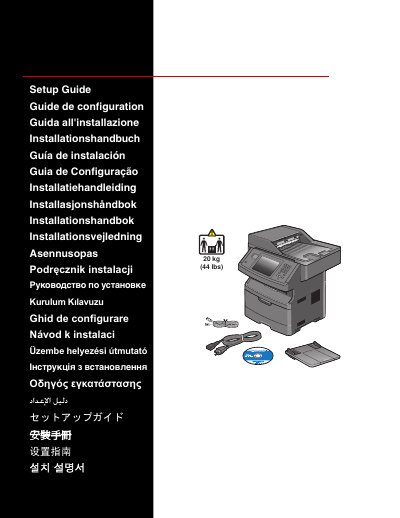
The Dell Printer Setup Guide is a multilingual setup document for a Dell printer. It begins with a safety notice telling users to read and follow the safety instructions in the Product Information Guide before setting up and operating the printer.
The setup steps cover removing the printer and components from the box, leaving clearance around the printer, waiting to connect cables until instructed, attaching the ADF tray, and pressing the door release button to lower the front door.
| Top clearance | 254 mm (10 in.) |
|---|---|
| Right side clearance | 203 mm (8 in.) |
| Rear clearance | 305 mm (12 in.) |
| Front clearance | 203 mm (8 in.) |
| Left side clearance | 76 mm (3 in.) |
Read and follow the safety instructions in the Product Information Guide.
Do not connect cables until instructed to do so.
The setup guide specifies 254 mm (10 in.) of clearance at the top.
Press the door release button and lower the front door.