
The Latitude 13 Quick Start Guide provides instructions on how to connect the power adapter and press the power button, finish Windows 10 setup, enable support and protection, and connect to your network.
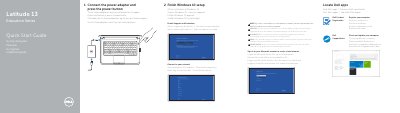
This guide helps you set up your Dell Latitude 13 laptop quickly. Connect the power adapter and press the power button to start. Follow the Windows 10 setup wizard to complete installation. Connect to your network and sign in to your Microsoft account or create a local account.
The laptop features a microphone, camera, touchpad, USB 3.0 ports, HDMI, and RJ45 connectors. Status lights indicate battery, network, and hard drive activity. Dell SupportAssist helps check and update your computer.
| Computer Model | Latitude-3350 |
|---|---|
| Regulatory Model | P47G |
Connect the power adapter and press the power button.
Finish the Windows 10 setup by following the on-screen instructions.