
Dell quick start guide, introduces how to use Dell computers.
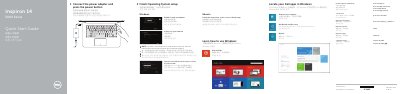
This quick start guide helps set up the Dell Inspiron 14-5455. It shows connecting the power adapter, pressing the power button, finishing operating system setup, and signing in or creating an account.
It also lists shortcut keys, ports, and features, and points to Dell support, manuals, and regulatory information.
Connect the power adapter and press the power button.
Enter the password for the wireless network access when prompted.
See Specifications at dell.com/support.