
The Dell P28F monitor complies with NOM standards.
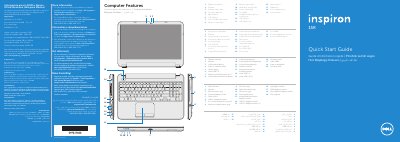
This Dell Inspiron 5521 quick start guide identifies the computer's ports, camera, lights, touchpad, and other features using numbered callouts. It also lists function-key actions such as switching to an external display, adjusting brightness and volume, and turning wireless on or off.
The guide walks through connecting the power adapter, pressing the power button, completing Windows setup, checking wireless status, locating the service tag/regulatory label, and optionally connecting a network cable. It includes a Mexican NOM notice with input/output voltage and current ratings.
| Computer model | Inspiron 5521 |
|---|---|
| Regulatory model | P28F |
| Input voltage | 100–240 V AC |
| Input frequency | 50–60 Hz |
| Nominal output voltage | 19.50 V DC |
| USB 3.0 ports | 2 |
| Media-card reader | 8-in-1 |
The computer model is the Dell Inspiron 5521.
The regulatory model number is P28F.
Press the power button.
The guide lists an input voltage of 100–240 V AC.