
Dell XPS 8500 Computer Quick Start Guide

A quick start guide for HP computers, introducing the various parts and functions of the computer.
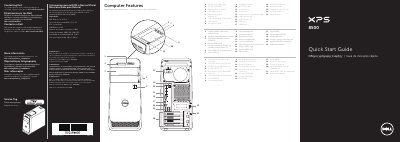

Dell XPS 8500 Computer Quick Start Guide - cover page
Brand
DELL
Category
Desktops
Document type
User Manual
Language
English
Pages
2
File format
PDF
File size
1.3 MB
Published
25 November, 2023
Updated
25 November, 2023
MD5 checksum
3C8DAE6AEE732F94FD54F04BF30937BD

About this manual

This Quick Start Guide covers the essential features and ports of the Dell XPS 8500 computer, listing various connectivity options such as USB 3.0, HDMI, and VGA ports. It also details the physical layout including media-card readers, optical drives, and expansion slots.

What's inside

  • Computer Features
  • Connect the keyboard and mouse
  • Connect the network cable
  • Connect the power cable
  • Connect the display
  • Complete Windows setup
  • Enable security
  • Windows 8

Specifications

Regulatory ModelD03M
TypeD03M005
Input Voltage100 V CA–240 V CA
Input Current1,70 A
Input Frequency50 Hz–60 Hz

Frequently asked questions

What is the regulatory model number for this computer?

The regulatory model number is D03M.

How do I connect a discrete graphics card display?

If you ordered the computer with an optional discrete graphics card, connect the display to the port on that card.

Download PDF (1.3 MB)

More DELL Manuals


View all DELL manuals →