
This document describes how to finish Windows setup.
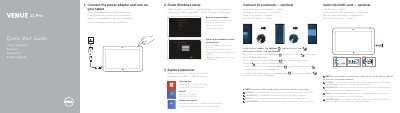
This guide helps you set up your Dell Venue 5130 tablet. Connect the power adapter and turn on the device. Connect to a network if needed, and sign in or create a Microsoft account. Explore resources and access support via dell.com/support.
The tablet features a front and rear camera, microphones, speakers, USB 3.0, mini-HDMI, and a stylus (optional). It includes a Noble security lock slot, memory card reader, and programmable buttons for customization.
| Model | Venue 5130 |
|---|---|
| Regulatory Model | T06G |
| Input Voltage | 100 V AC–240 V AC |
| Input Current | 1.00 A–1.30 A |
| Output Voltage | 19.5 V DC |
| Output Current | 1.2 A / 1.54 A |
In the charms sidebar, tap Settings, tap the Wireless icon, select your network, and tap Connect.
Visit dell.com/support for product support and manuals.
The regulatory model is T06G.