
Dell Vostro 3578 Laptop Quick Start Guide

Dell Vostro 3578 Laptop Quick Start Guide
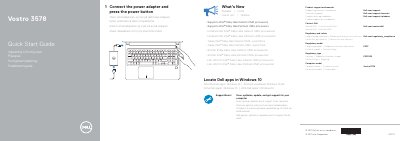

Dell Vostro 3578 Laptop Quick Start Guide - cover page
Brand
DELL
Category
Laptops
Document type
Quick Start Guide
Language
English
Pages
2
File format
PDF
File size
99 KB
Published
25 November, 2023
Updated
25 November, 2023
MD5 checksum
546286BFE01F33D0A2D88A9DF9E365F4

About this manual

This guide helps you quickly set up your Dell Vostro 3578 laptop. Connect the power adapter and press the power button to start. The guide lists all ports and features, including camera, microphone, USB ports, HDMI, VGA, and fingerprint reader (optional).

What's inside

  • Connect the power adapter and press the power button
  • Features
  • Product support and manuals
  • Regulatory and safety

Frequently asked questions

How do you start the computer?

Connect the power adapter and press the power button.

What processors does the computer support?

It supports Intel Kaby lake Celeron UMA processors and Intel Kaby lake Pentium UMA processors.

What is item 22 in the features list?

It is the Service Tag label.

Download PDF (99 KB)

More DELL Manuals


View all DELL manuals →