
Dell Latitude 7290 Laptop Quick Start Guide
The Dell Latitude 7290 is a laptop that supports Intel 7th and 8th Generation processors. It features a Precision touchpad and supports DDR4 memory up to 2400 MHz when used with Intel 8th Gen processors.
This guide provides instructions for initial power-on and identifies the various hardware components, ports, and optional features of the device.
| Processor Support | Intel 7th & 8th Gen |
|---|---|
| Memory Support | Up to 2400 MHz DDR4 (with Intel 8th Gen) |
| Touchpad | Precision touchpad |
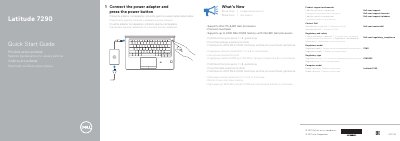
Connect the power adapter and press the power button.
Connect the power adapter and press the power button.
It supports Intel 7th and 8th Gen processors.
It supports up to 2400 MHz DDR4 memory with Intel 8th Gen processors.