
Latitude 14 3000 Series Quick Start Guide
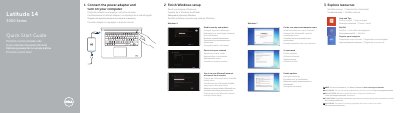
This guide helps you set up your Dell Latitude 14 3000 Series laptop quickly. It covers connecting power, finishing Windows setup, and connecting to your network. The guide also lists hardware features like camera, microphone, USB ports, and fingerprint reader. For more details, refer to the Owner’s Manual at dell.com/support/manuals.
| Computer model | Latitude 14-3450 |
|---|
Connect the power adapter and turn on your computer.
See the Owner’s Manual at dell.com/support/manuals.