
The Dell B5460dn Laser Printer User's Guide describes the features and functions of the printer.
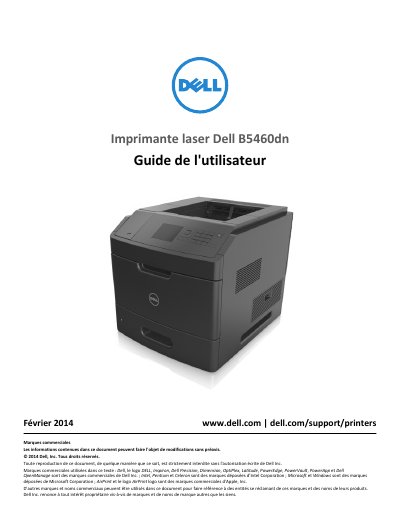
This is the French-language user's guide for the Dell B5460dn laser printer, dated February 1, 2014. It starts with safety instructions and information about the printer, then covers choosing a location, printer configurations, the control panel, and the meaning of the indicator lights and Sleep button.
The guide continues with installing internal and hardware options, connecting cables, printer software setup, network use, and checking the printer configuration. It also describes loading paper and specialty media, the 550-sheet and 2100-sheet trays and the multipurpose feeder, tray linking, paper specifications, printing, confidential and held jobs, the printer menus, saving paper and toner, securing the printer and clearing printer memory, maintenance and supply replacement, moving the printer, managing the printer, clearing jams, and troubleshooting. This manual is written in French.
| Printer weight | More than 18 kg (40 lb) |
|---|---|
| Printing technology | Laser |
| Optional paper trays | 550-sheet tray and 2100-sheet tray |
| Document date | 1 February 2014 |
The printer weighs more than 18 kg (40 lb), so at least two people are needed to lift it safely.
Unplug the power cord from the electrical outlet and disconnect all cables from the printer before continuing.
No. Turn the printer off and unplug its power cord from the outlet before accessing the controller board or installing optional hardware or memory devices.