
Dell Storage NX430 Network Attached Storage System Setup Guide.
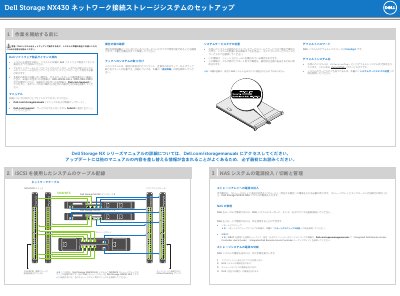
This setup guide for the Dell Storage NX430 network attached storage system describes initial setup, iSCSI cabling to a storage array, power-on and power-off order, local and remote management, and first login tasks. It notes the default password Stor@ge! and the default system name D
The guide also covers rack installation requirements, service tag location, managing the system with Remote Desktop or iDRAC, accessing Dell OpenManage Server Administrator on secure port 1311, and the additional Dell manuals available for the NX series. This manual is written in Japanese.
| Operating System | Windows Storage Server 2012 |
|---|---|
| Default Password | Stor@ge! |
| Default System Name | D |
| OpenManage Server Administrator Secure Port | 1311 |
| Example Storage Array | MD3XXX |
The default password for the NAS system is Stor@ge!.
The system is configured with the default system name D
Connect to the NAS system on its secure port 1311, for example https://D
The document refers to a NAS system running Windows Storage Server 2012.