
The Dell Storage NX430 Network Attached Storage System User Guide.
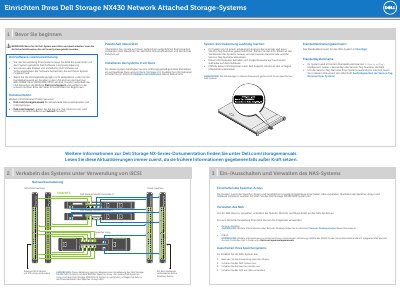
This guide explains how to set up a Dell Storage NX430 Network Attached Storage system. It covers checking the package contents, installing the system in a rack, locating the service tag, wiring the system with iSCSI, and powering the storage arrays and NAS on in the correct order.
It also describes initial configuration tasks such as changing the administrator password, selecting the language, configuring the local server, and starting Remote Desktop. Remote management through Dell OpenManage Server Administrator is available on secure port 1311 using the system's service tag. This manual is written in German.
| Default password | Stor@ge! |
|---|---|
| Standard system name | D |
| OpenManage secure port | 1311 |
The default password is Stor@ge!.
Pull out the info label on the front of the system or check a sticker on the chassis.
Connect to secure port 1311 of the NAS system, for example https://D